

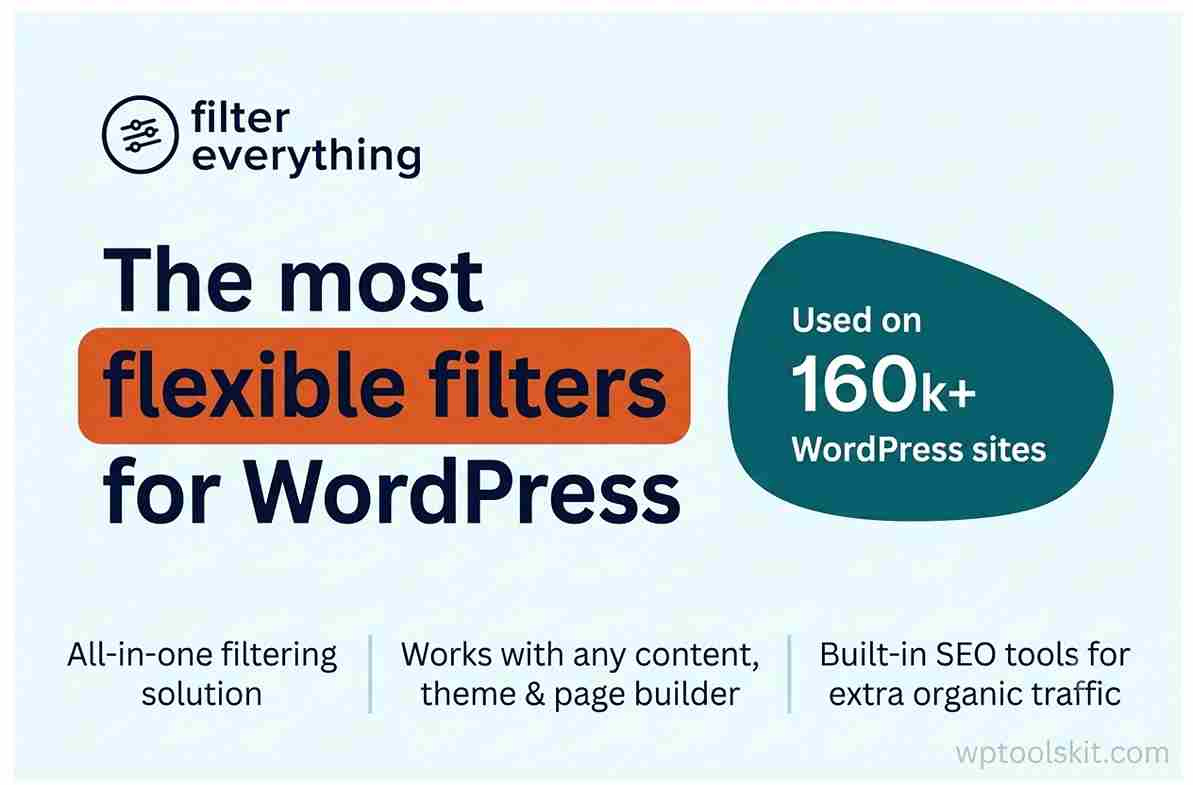
WooCommerce Product Filter – WordPress & WooCommerce Product Filter Plugin
WooCommerce Product Filter is a powerful WordPress and WooCommerce product filtering plugin that helps visitors to find products, posts, listings, and other content using various filtering options. You can apply filters on such parameters as attributes, taxonomies, custom fields, prices, categories, brands, colors, sizes, and any other content information.
An effective filtering system can significantly facilitate the discovery process in large stores with numerous products. Filter Everything integrates AJAX, customization of filter sets, various display styles, sorting, keyword search, responsive design, and advanced filtering into a single solution. The official WordPress description says about support of WooCommerce products, posts, listings, events, custom post types, page builders, custom fields, and mobile devices.
What Is Filter Everything for WordPress?
WooCommerce Product Filter is a WordPress plugin used to implement filtering on websites where users have to choose from large amounts of content.
Key Features of Filter Everything 1.9.4
WooCommerce Product Filtering
With the plugin, store owners can create filters related to product categories, product attributes, prices, product brands, stock information, colors, sizes, and other relevant product information.
The PRO version of the extension includes smart filtering for variable and out-of-stock WooCommerce products and the filter system works with product information provided by WooCommerce.
Product Filtering Using AJAX Without Page Reload
Using AJAX, the visitor can change the filter without reloading the whole page. That will provide users with a better and faster experience as filtered items can be displayed right on the same page without reloading.
For shops that contain hundreds or thousands of items, it will make user shopping experience more convenient.
Types of Filters
Depending on the information that should be filtered, we can use different filters of interface types:
• Checkbox filters
• Radio button filters
• Dropdown filters
• Label filters
• Color swatches filters
• Rating stars filters
• Numeric range filters
• Date range filters
• Search filters
In addition to this, the plugin offers more than 25 filtering options that let us control display behavior, filter logic, counters, collapsing, custom URL names, empty filters visibility and many other things.
Filter Products by Attributes, Categories, Price, and Many Others
One of the most valuable features of Filter Everything is a possibility to create filters for almost any useful criterion for products or content.
For a clothing shop, we might create the following filters:
- Category filter
• Brand filter
• Size filter
• Color filter
• Material filter
• Price filter
• Rating filter
For an electronics shop, filters might include such criteria as:
- Brand filter
• Processor
• RAM filter
• Storage filter
• Screen size
• Price
• Product category filter
Such flexibility will allow us to create a filter interface that corresponds to the website structure.
Filter WordPress Posts and Custom Post Types
Filter Everything is not only a WooCommerce product filtering plugin. It also can filter WordPress posts and custom post types.
Thus, Filter Everything is a good solution for the following websites:
- Real-estate
• Events
• Job postings
• Recipes
• Automobiles
• Blogs
• Business directories
• Custom content database
The information about the compatibility with WordPress posts and custom post types can be found in the description of the plugin on WordPress marketplace.
Filter Everything and Page Builder Compatibility
Modern websites are usually built via visual page builders. The Filter Everything plugin works with such page builders as Elementor, Divi, Bricks, Oxygen, Breakdance, and Beaver Builder.
Also, the plugin offers filtering-related widgets for supported page builders, thus it is possible to add filters, filter chips, and sorting options to custom layouts.
In particular, it will be convenient to use this feature if the WooCommerce shop is created with the help of a page builder and not the default theme layout.
SEO-Friendly Filtering Options
Filter Everything also cares about the SEO of filter-generated pages, especially it concerns the PRO version of the plugin.
The plugin can offer some SEO-related controls for filtering pages, such as SEO titles, H1 title, meta descriptions, and indexable filtering pages. Also, the reference implementation demonstrates such features as clean URLs and the opportunity to set up selected filtering pages to be indexed by the search engines.
In this way, it becomes possible to control which filtered combinations should be considered as useful landing pages instead of indexing all filter combinations.
Mobile-friendly product filters
A filtering system should not be restricted to desktop displays. Filter Everything works with all desktop, tablet, and mobile devices.
In the PRO version of the plugin, there is also a mobile filters widget, which allows a better filtering experience on small devices. This feature is especially helpful for WooCommerce sites, in which products are being viewed by shoppers via smartphones.
Filter Sets and Placement Options
With Filter Everything, we are able to create different filter sets for different parts of the website. The filters in the clothing category can be entirely different from the filters in the electronics category or from the filters on a blog archive.
The reference article provides the example of individual filter sets for pages, while the documentation of the current plugin mentions the option of using filters on different pages and posts.
Such flexibility helps to avoid irrelevant filter options, thus simplifying the search for the right information.
Sorting and Keyword Search
Filtering becomes even more powerful when used together with sorting and search.
People can filter the catalog and then apply sorting to further narrow down the list. Keyword search can also be used to find the desired content within the list of filtered items.
Filter Everything PRO Features
Besides filtering, the PRO version offers many other features. They include:
- Filtering the content generated by page builders, other plugins or WP-Query functions
• Unlimited number of filter sets
• SEO tools for filter pages
• Smart filtering for WooCommerce
• Mobile filters widget
• Export and import of filters, SEO rules and settings
• Filter set duplication at one click
• Priority support
These additional features will be helpful for managing several filtering systems in case of a large WooCommerce site or content-heavy website.
Compatibility with Filter Everything 1.9.4
Filter Everything is meant to function properly in typical WordPress environment. Filter Everything works well with popular page builders and supports custom fields that can be created with help of such plugins as Advanced Custom Fields.
How to Use Filter Everything in WooCommerce
Typical installation process looks as follows:
- Install and activate Filter Everything.
2. Create necessary product attributes, categories, tags or custom fields.
3. Create Filter Set.
4. Select criteria that customers will be able to filter by.
5. Choose correct display type.
6. Configure filtering options and design.
7. Place the filter on the right shop or archive page.
8. Test several filters at once.
9. Check mobile design.
10. Configure SEO options for meaningful filter pages (in PRO version).
11. Test links, product counts, sorting and reset functionality.
As the result, product-discovery process gets much more structure but without need to build new WooCommerce catalog from scratch.
Filter Everything 1.9.4 for Large WooCommerce Shops
Large catalogs is the exact place where the advanced filtering makes sense. In case the number of products in your shop reaches hundreds or thousands it may become hard for customers to find needed product using only the category navigation and standard search functionality.
Filter Everything allows us to create product discovery process based on information stored in WooCommerce. Official product-filter page states that the most important features are attribute filtering, stock-aware filtering, variations filtering, step-by-step filters, product counts, mobile filters, instant filters and SEO functionality.
It allows us to guide the customers through category filters to very specific set of products.
Why Filter Everything?
Filter Everything is unique because it satisfies all the criteria typical of a sophisticated WordPress filtering plugin within one solution.
We can apply it to WooCommerce products, WordPress posts, custom post types, listings, events, and other content types. Custom filter interface, AJAX filtering, filtering on supported page builders, sorting, and keyword search are among the many features we can use, along with the advanced SEO functions that are available through PRO.
In the case when finding products within the store is one of the key goals of visiting it, having a powerful filtering system configured can improve the user experience greatly.
Final Verdict
Filter Everything 1.9.4 is an all-in-one WordPress and WooCommerce filtering solution for sites that require more than just navigating through categories.
Thanks to its combination of WooCommerce product filters, AJAX filtering, attribute filtering, custom fields, various filter layouts, sorting, keyword search, responsive support, page builder compatibility, and PRO SEO functions, it works well for e-commerce stores and content-rich WordPress websites.
Advanced filtering may not be needed on a website with just a few products. On larger catalogs, directories, listings, and WooCommerce stores, however, visitors often need to filter thousands of options. In this case, Filter Everything is a versatile plugin that can turn a complicated list of options into a much better browsing experience.
The article is based on the same search intent as the reference page but expanded with additional information about the plugin features.
Demo Filter Everything CodeCanyon