

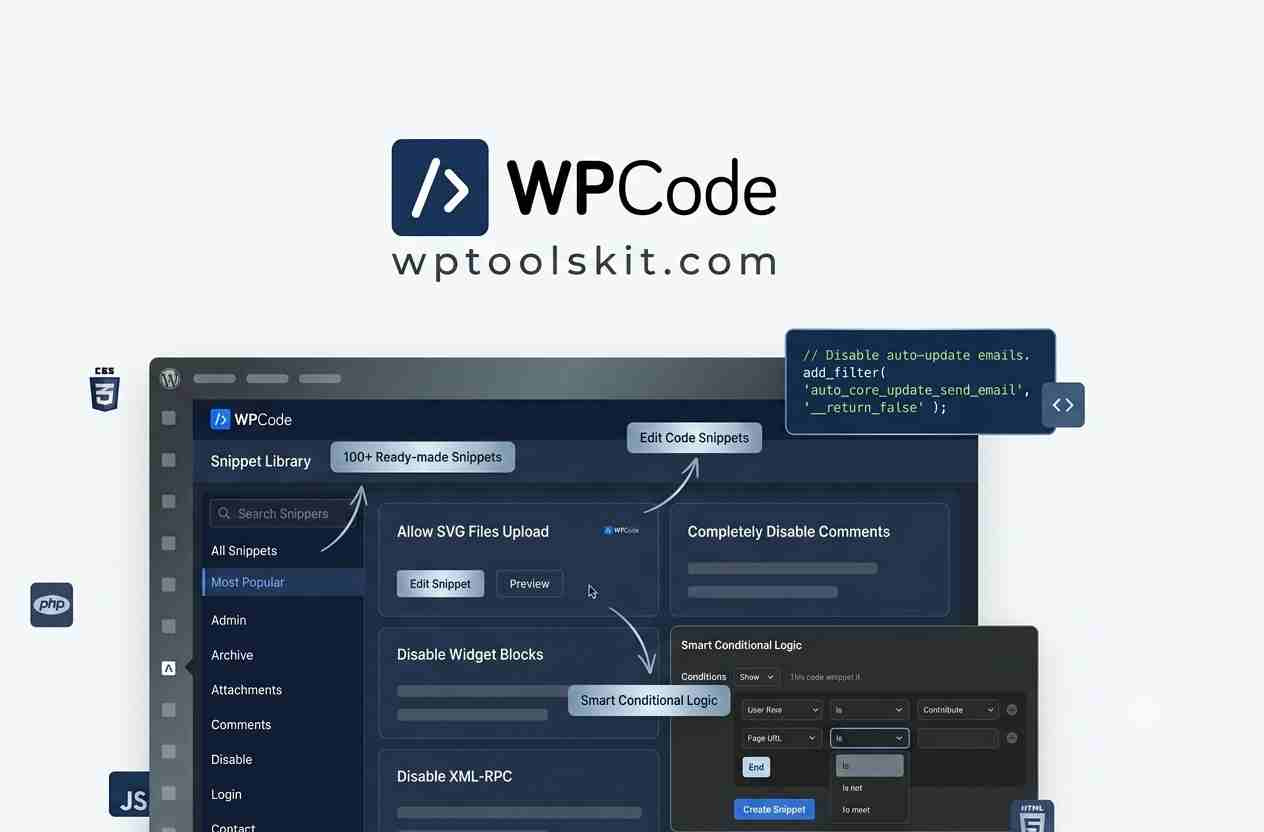
WPCode Pro WordPress Plugin Overview
WPCode Pro WordPress Plugin is undoubtedly the most feature-rich WordPress code snippets management plugin in the market right now.
What is WPCode Pro?
WPCode Pro WordPress Plugin 2.3.8 is a paid version of a WordPress Code Snippets plugin that provides users with an opportunity to deal with custom code snippets safely and without touching the functions.php file or making a child theme for each customization.
In contrast to changing theme files which could be harmful for the website after updates, WPCode provides users with an opportunity to store all custom code snippets in an organized way.
Supported languages are:
• PHP
• HTML
• CSS
• JavaScript
• Text
• Tracking scripts
Why Choose WPCode Pro?
Working with snippets manually causes some problems:
• Updating themes erases all changes
• Any mistake during coding causes crashing
• Snippets get disorganized
• Debugging is complicated
WPCode Pro helps to solve all of these issues through its intuitive dashboard and built-in validation tools.
Main advantages of WPCode Pro are:
• Safe code management
• One click activation
• Conditional execution
• Automatically insertions
• Better organization
• Easier maintenance
Conditional Logic
The greatest benefit of WPCode Pro is its Smart Conditional Logic.
It allows you to show snippets according to:
• Logged In User
• User Roles
• WooCommerce Product
• Categories
• Page
• Post
• URL Parameters
• Referral Source
Auto Insert Locations
WPCode Pro can automatically insert your snippets at several locations.
Some examples are:
• Site Header
• Site Footer
• Before Content
• After Content
• Before Paragraph
• WooCommerce Hooks
• Custom Hooks
• Admin Pages
There is no need for any manual coding.
Website owners often need to insert:
• Google Analytics
• Google Tag Manager
• Facebook Pixel
• Microsoft Clarity
• Pinterest Tag
• TikTok Pixel
All the tracking scripts can be managed from one dashboard in WPCode Pro.
WooCommerce Integration
WooCommerce offers its users extensive options for customising their store.
These are such as:
• Checkout customization
• Product page customization
• Custom price calculation
• Cart messages
• Shipping rules
• Payment gateway customization
• Coupon logic
Using conditional logic will make snippets even more effective.
Conversion Tracking
Multiple tracking services are usually installed by digital marketers.
WPCode Pro allows deploying:
• Google Ads
• Meta Pixel
• Google Analytics 4
• Pinterest
• TikTok
• LinkedIn Insight Tag
Scripts remain well organised.
Cloud Snippets Library
WPCode Pro comes with cloud snippet library.
This provides:
• Reusable snippets
• Convenient snippet deployment
• Collaboration within the team
• Fragment management
• Time savings
Performance Benefits
WPCode Pro will help keep a clean workflow due to snippets’ possibility to run only where required.
Performance improvements are such as:
• Less unneeded code execution
• Organisation improvements
• Proper maintenance
• Easy debugging
• Effortless optimisation
WPCode Pro vs WPCode Free
Feature Free Pro
Basic Snippets ✅ ✅
PHP ✅ ✅
CSS ✅ ✅
JavaScript ✅ ✅
Conditional Logic Limited ✅
Cloud Snippet Library ❌ ✅
Advanced Auto Insert Limited ✅
WooCommerce Rules ❌ ✅
Priority Support ❌ ✅
Benefits
• User-friendly UI
• Good way to avoid messing with functions.php
• Makes use of conditional logic possible
• Very well organized
• Supported by WooCommerce
• Can use several programming languages
• Allows for import/export
• Capabilities of automatic insertion of snippets
• Friendly to developers
Weaknesses
• Some advanced features available only in Pro version.
• The ability to create complex custom functionality requires knowledge of WordPress hooks and PHP.
Tips
To use WPCode Pro effectively:
1. Use meaningful names when grouping related snippets.
2. Take advantage of conditional logic to run snippets only where necessary.
3. Test snippets on the staging site before using them in production.
4. Do not delete, but rather disable unused snippets.
5. Add comments to each snippet.
FAQ’s Section
u003cstrongu003eThe WPCode Pro is compatible for beginners?u003c/strongu003e
Yes, as WPCode Pro provides you with a visual editor which will make it easier to insert popular scripts and snippets rather than manually editing theme files.
u003cstrongu003eIs WPCode Pro compatible with WooCommerce?u003c/strongu003e
Yes, as WPCode Pro manages WooCommerce hooks, conditional statements, and custom code at shop pages.
u003cstrongu003eCan I use PHP snippets?u003c/strongu003e
Yes, as WPCode Pro lets you use PHP snippets.
u003cstrongu003eWill my snippets be deleted when I upgrade my theme?u003c/strongu003e
No, as my snippets have nothing to do with theme files.
Conclusion
WPCode Pro offers a systematic and secure means of handling custom code in WordPress. WPCode Pro eliminates the need for manually altering theme files by creating a systematic means of managing code snippets, making the code easy to manage and offering various code types, as well as conditional statements that allow you to execute your code at the precise time you want. For website administrators, WPCode Pro is very useful in their customisation processes.
Download links Below
Download WPCode Location
Download WPCode Multisite
Download WPCOde Pixel
Download WPCode Plugins