

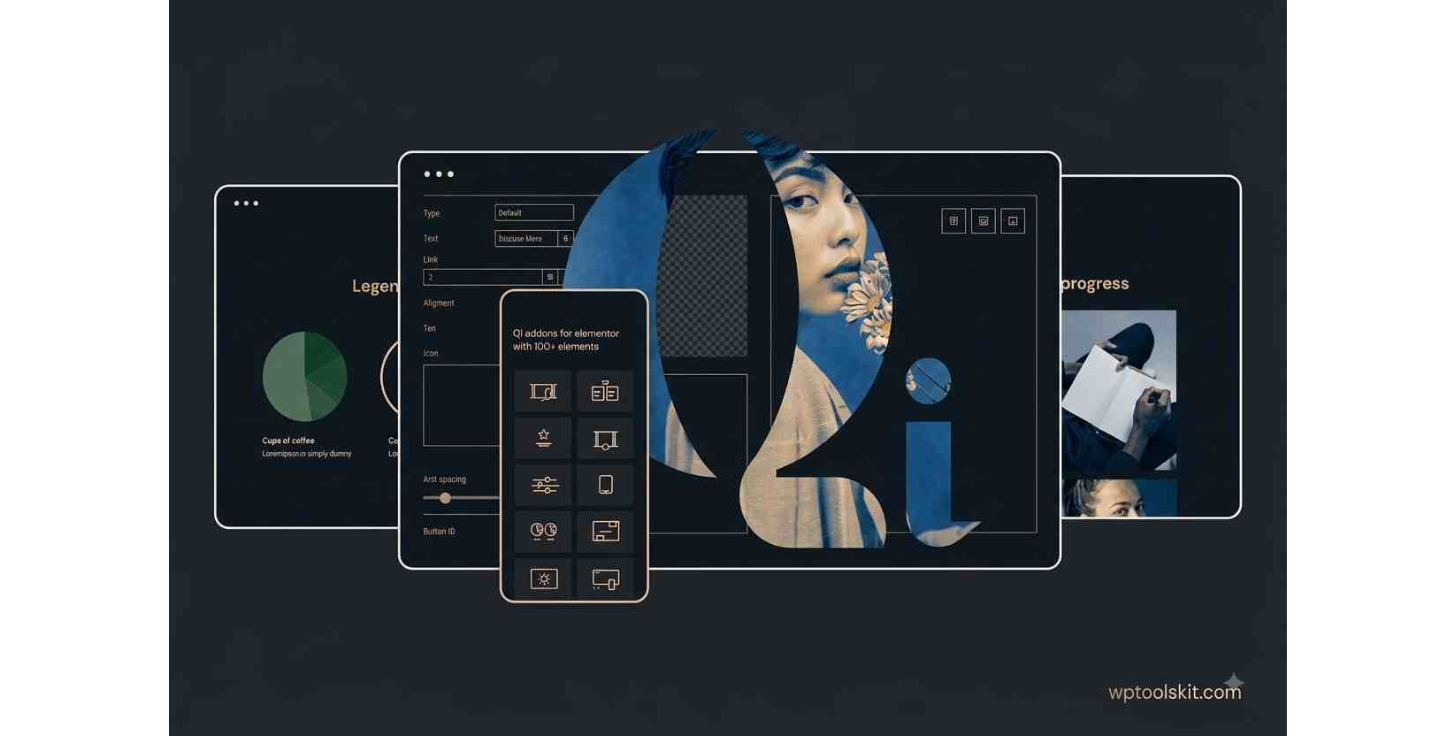
Elementor Addons Plugin
Qi Addons for Elementor Addons Plugin Premium: Full Overview of Features, Widgets, and WordPress Design
Creating a nice-looking WordPress website with Elementor becomes easier if we can work with more widgets and design options. The Qi Addons for Elementor Addons Plugin Premium plugin extends the capabilities of Elementor by providing a big set of features meant to help us make professional designs without spending too much time writing custom code.
What Is Qi Addons for Elementor Addons Plugin Premium?
Qi Addons for Elementor Premium is an extension for Elementor meant to add more widgets and creative elements to our WordPress website. Rather than building advanced elements ourselves, we can use pre-built Elementor elements and change their design using standard tools.
It proves especially helpful when a default installation of Elementor does not offer us the necessary visual element or layout. The addon covers a range of fields such as typography, content display, image displays, interactive sections, business elements, WooCommerce elements, and creative effects.
The major benefit of Elementor Addons Plugin Premium is its flexibility: it allows us to use the widgets along with the existing sections and containers of Elementor to create unique page designs.
Key Features of Elementor Addons Plugin Premium
Large Range of Widgets for Elementor
The first notable feature of Qi Addons for Elementor is the wide range of widgets offered by the addon. It allows us not to focus on one kind of website elements but also use widgets for different kinds of website elements.
In accordance with the project, we can build using the offered widgets:
- Content section
- Image presentation
- Layers and interactive elements
- Portfolio section
- Section for team members
- Pricing and business elements
- Design based on typography
- Marketing section
- WooCommerce elements
- Visual effects and design
Such versatility of widget range makes the addon applicable for both simple and complex web sites.
Creativity in Designing
To make a professional site, the designer needs more than just content elements. This addon gives additional tools for the styling, which enables us to play with spacing, typography, colors, animations, borders, backgrounds, and other visual features.
Thus, we can adapt an element for a certain brand identity.
Elementor Addons Plugin Premium Widgets
The widget library is necessary since different pages require different components. For instance, a portfolio may require creative galleries and presentation of projects, while a business homepage requires pricing, team, testimonial, and services sections.
For ecommerce websites, specialized elements for WooCommerce can be helpful as they enable us to design product-related sections with better visual control.
For creative websites, advanced elements for images and typography can make pages much more unique compared to layouts created using just the basic Elementor widgets.
Using Qi Addons for Designing Sections for Business Websites
Most likely, business websites will require sections which allow presenting information in an effective and professional manner. Additional widgets allow us to design information about services, company, team members, statistics, testimonials, calls to action, and other conversion-related information.
A usual business homepage may have the following components:
- Hero section
- Company intro
- Services
- Statistics
- Featured projects
- Testimonials
- Team members
- Call-to-action section
- Contact info
Portfolio and Creative Qi Addons
Portfolio websites rely significantly on the presentation of the website. The designers, photographers, agencies, developers, architects, and other creative professionals require layouts which will be able to present their works without making an interface boring.
There are various creative widgets which can help us create grids for projects, image-based sections, presentations, and other creative content areas. Then, we are able to combine these widgets with responsive options in Elementor in order to create layouts, which would be responsive.
So, we have a workflow where the design is changed through the visual editor rather than changing CSS and JS code for each change we make.
Qi Addons for WooCommerce Websites
WooCommerce websites require more control over how certain products or other shopping-related content is presented. Sometimes the standard widgets are not enough to create the necessary visual presentation on a certain page.
There are some Qi Addons which could help us to create more customized and unique layouts based on the combination with WooCommerce and Elementor plugins.
It is useful to apply these elements, if our goal is to maintain brand identity on various ecommerce pages like product pages, promotional sections, categories, etc.
Responsive Design of the Website
A page which looks great on the desktop computer screen will not necessarily look the same good on the mobile screen. So, the responsive editing becomes an integral part of our workflow in Elementor.
While creating custom elements using Qi Addons, we should consider the responsive editing of each customized widget on:
- desktop,
• tablets,
• mobile screen.
We should pay special attention to font size, spacing, image dimensions, columns, animations, and content alignment. Using the responsive controls in Elementor, we are able to change these settings according to the device.
Performance and Widget Management
Having a wide variety of widgets does not mean that all of them should be enabled and used on all websites. We should use only the widgets which are needed for the project when Qi Addons allows us to manage our widgets.
In addition to that, we should optimize images, avoid excessive animations, load fonts properly and keep all components updated including WordPress, Elementor, themes, and plugins.
When Should I Consider Qi Addons for Elementor Premium?
This plugin can become useful whenever we need to expand the functionality of Elementor using new design elements that will not be included in its basic set. This tool works due to combining the extensive widget library with visual customization and full integration with Elementor’s existing interface.
The tool can be considered useful for:
- Freelancers who create client websites
• Agencies that manage several projects at once
• Portfolio designers
• Companies that need custom landing pages
• Bloggers that require more versatile layout
• Shop owners that use WooCommerce
• Web developers who need to decrease repetition in their frontend work
Instead of rebuilding interface patterns manually, we can begin our website creation by using ready-made widgets and customize them according to our project’s needs.
How to Create Websites Using Qi Addons
The workflow can begin with planning the layout of the website first and then choosing appropriate widgets. First, we need to determine the aim of each page, understand which sections it requires and choose widgets supporting these needs.
We can break down the process of website creation using Qi addons into five steps:
1. Plan the Layout
Plan the page structure, calls to actions, content and responsiveness.
2. Choose Suitable Widgets
Select only those elements that will enhance the page and do not add anything to it just because they are there.
3. Customize the Design
Modify typography, spacing, color scheme, background, border, animation and alignment in accordance with our website’s design.
4. Check Responsiveness
Inspect the complete page on desktop, tablet and mobile versions and fix all issues with spacing and alignment.
5. Testing
Make sure that all links, buttons, forms, animations, product sections, images and other features work before publishing the page.
Final Words
Qi Addons for Elementor premium allows expanding Elementor’s options for creating unique websites by providing us with an extended widget library. It can be useful for decreasing repetition in our design work and giving us extra tools for building business pages, portfolios, creative layouts, marketing sections and WooCommerce experiences.
Whenever Elementor’s default widgets are not enough for our project, the extended library of addons will help us to fill in the gaps with new design elements. Using properly selected widgets along with responsive design, optimized media, consistent branding and proper planning of pages structure, we can consider Qi addons a flexible tool for working with Elementor.
Demo Qi Addons for Elementor Premium