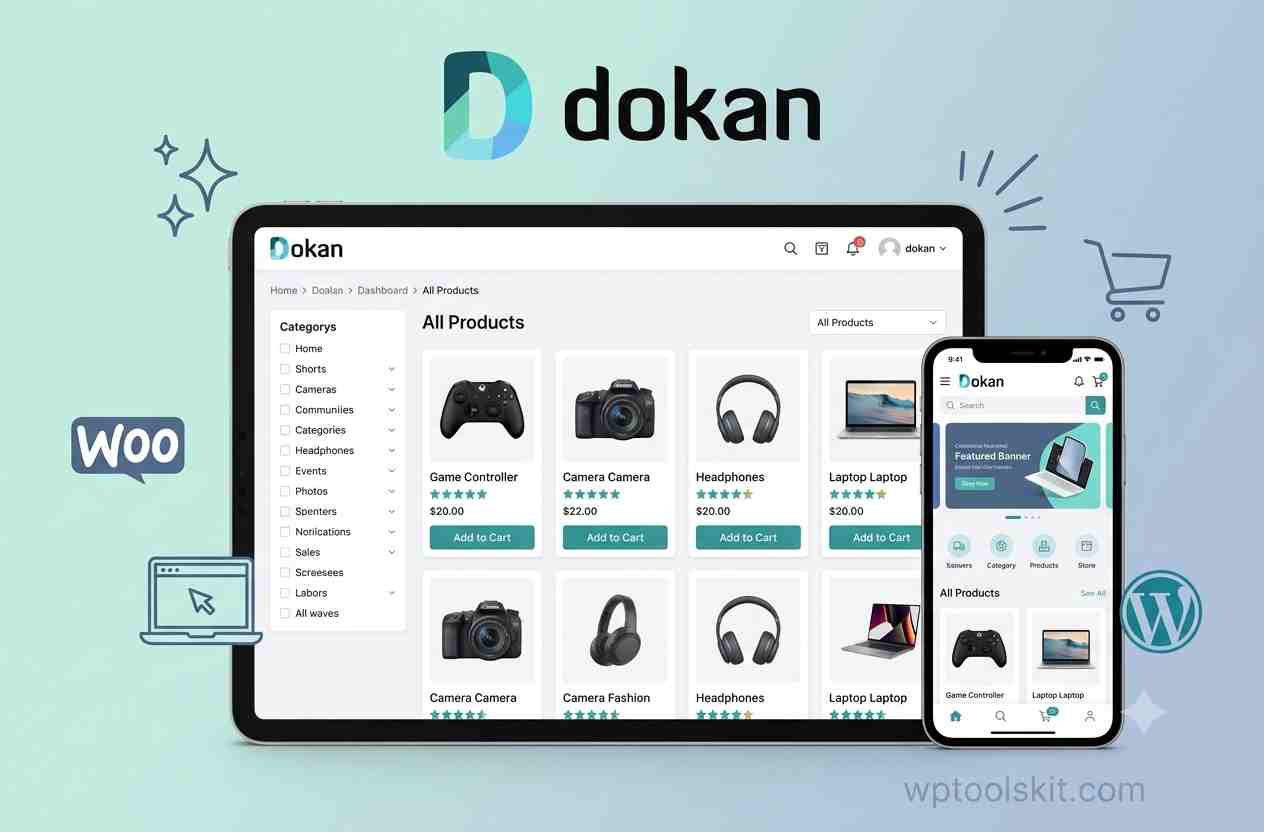

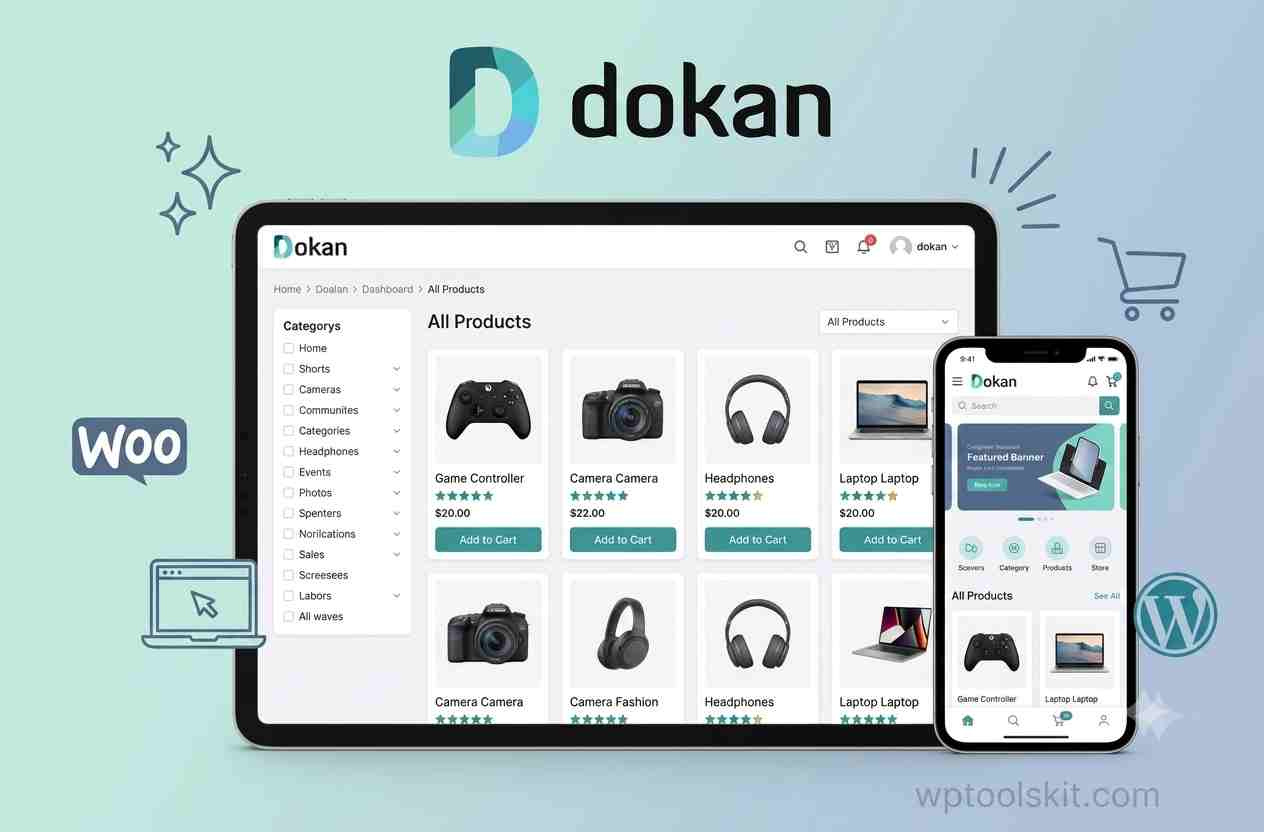
Dokan Pro WordPress Plugin Overview
It doesn’t have to cost us an arm and a leg to build a complicated platform in order to launch a successful online marketplace. Dokan Pro WordPress Plugin will allow us to transform our basic WooCommerce store into the advanced multi-vendor marketplace, in which independent vendors will be able to manage their products, orders, sales, and customers from the front-end interface.
We may apply the plugin to build various types of marketplaces – Amazon-like, Etsy-like or marketplace for digital products.
What Is Dokan Pro WordPress Plugin?
Dokan Pro 5.0.8 is the paid version of Dokan Lite plugin that will turn our basic online store into the fully functional multi-vendor marketplace. Multiple vendors will be able to set up stores, register, sell their products, arrange shipping, get payments, contact customers, etc., without even going to the WordPress admin area.
The plugin extends functionality of the free Dokan Lite version and allows users to scale their business.
Features of Dokan Pro
Frontend Vendor Dashboard
The features offered include:
• Products management
• Orders management
• Sales reports
• Coupons creation
• Withdrawal requests
• Customer reviews
• Settings for the store
• Marketplace analytics
This makes marketplace management easier for both the administrators and vendors.
Management of the Multi-Vendor Marketplace
The administrator has total control over the marketplace but vendors manage on their own.
Control features for the admin include:
• Vendor approval
• Product moderation
• Setting commissions
• Payment management
• Setting capabilities for vendors
• Marketplace announcements
• Store validation
• Vendor suspension
The permissions balance results in an efficient and secured marketplace.
Flexibility in the Commission Structure
Dokan Pro enables the use of various kinds of commissions according to the business model.
Options available include:
• Percentage commissions
• Fixed commissions
• Category-based commissions
• Vendor-based commissions
• Product-based commissions
• Various commission models
The marketplace owners will be able to make maximum profits.
Customized Vendor Store
Each vendor gets a customized vendor store with branding options.
Features in store are:
• Store logo
• Banner image
• Biography
• Contact information
• Product categories
• Social media accounts
• Policies of the store
• Search engine friendly URLs
Professional store enhances customers’ trust and makes vendors earn more.
Advanced Product Management
Dokan plugin enables creation and management of different types of products.
Supported products are:
• Simple products
• Variable products
• Grouped products
• Downloadable products
• Virtual products
• Affiliate products
Through premium integrations, Dokan Pro also supports:
• Booking
• Auction
• Membership
• Reservation
• Wholesale products
Shipping Management
Shipping is one of the most crucial aspects of any market place.
The shipping management system in Dokan Pro supports configuration of:
• Flat rate shipping
• Shipping by country
• Shipping by zones
• Weight based shipping
• Shipping class
• Delivery time estimate
Each vendor has his/her own shipping rules.
Vendor Verification
Trust in the marketplace greatly increases through vendor verification.
Types of verification are as follows:
• National ID
• Passport
• Business license
• Social verification
• Address verification
Trusted vendors get trust badges to increase customer trust.
Store SEO Optimization
Every store owned by a vendor has SEO-friendly architecture.
SEO includes:
• Clean URLs
• Scheme compatible with products
• Metadata for stores
• Category optimization
• Breadcrumbs optimization
• Search engine indexing
Together with SEO plugin like Rank Math or Yoast SEO, marketplace gets great visibility.
Product Reviews
Clients can write product reviews after purchasing the product.
It includes the following:
• Higher buyer trust
• Higher conversion rates
• Social proof
• Vendor reputation
• Product quality
Moderation is handled by the administrator.
Withdrawal System
Dokan Pro comes with a comprehensive system for withdrawing profits.
Methods include:
• Bank Transfer
• PayPal
• Stripe
• Manual withdrawals
Marketplace owners can set up:
• The minimum amount for withdrawals
• Withdrawal periods
• The process of approval
Vendor Analytics
Reporting makes it easy to track the efficiency of business.
The available reports include:
• Profits
• Orders
• Best-sellers
• Product views
• Returns
• Earnings
• Commissions history
Analytical tools can be used by vendors for increasing sales.
Customer Experience
The users have access to the WooCommerce-like shopping experience combined with additional features of the marketplace.
Features include:
• Vendor’s profiles
• Product reviews
• Multiple vendors checkout
• Order tracking
• Wishlist support
• Safe payments
• Responsive design
Professional Modules for Dokan Pro
There is a plethora of professional modules available for premium users.
Some of the modules include:
Modules Purpose
Vendor Verification Seller trust
Store Support Customer communication
Product Addon Product customization
Booking Integration Appointment marketplaces
Auction Integration Online auctions
Subscription Membership marketplaces
Delivery Time Shipping estimates
Live Chat Customer support
Geolocation Nearby vendors
Vendor Analytics Sales reporting
Staff Manager Store employee management
Return & Warranty Refund handling
Payment Gateway Integration
Dokan Pro supports various popular payment gateway integrations.
These gateways include:
• PayPal
• Stripe
• WooCommerce Payments
• Razorpay
• Mollie
• Bank Transfer
• Cash on Delivery
WooCommerce Compatibility
Dokan Pro does not override but adds onto WooCommerce.
Extensions that work with Dokan Pro include:
• WooCommerce Subscriptions
• WooCommerce Bookings
• WooCommerce Product Add-ons
• WooCommerce Memberships
• WooCommerce PDF Invoices
• WooCommerce Shipping
• WooCommerce Tax
Performance and Scalability
Dokan Pro can be used in marketplaces of different sizes.
Features include:
• Hundreds of vendors
• Thousands of products
• Many orders
• Database query optimization
• Object cache
• CDN compatibility
• PHP 8 compatibility
Good hosting will increase marketplace performance.
Security Features
Marketplace security is important.
Dokan Pro includes:
• Permissions based on roles
• Vendor authentication
• WordPress nonce protection
• Integration with WooCommerce security features
• Capabilities management
• Workflows for admin approval
Dokan Pro Benefits
• The full set of frontend vendor management options
• Great integration with WooCommerce
• Extremely flexible
• Scalable
• Professional dashboards for vendors
• Customizable commissions rules
• The wide choice of premium modules
• Mobile friendly
• Good developer community
• Ongoing feature development
Before Choosing Dokan Pro
• Needs WooCommerce to be installed
• The usage of premium modules requires a paid license
• Advanced customization will need development skills
• High-performance hosting for large marketplaces
Use Case Scenarios
Dokan Pro is perfect for:
• Electronic marketplaces
• Fashion marketplaces
• Custom made product marketplaces
• Digital download marketplaces
• Service marketplaces
• Local business marketplaces
• Wholesale marketplaces
• Grocery marketplaces
• Rental marketplaces
• Education marketplaces
FAQs
u003cstrongu003eIs Dokan Pro suitable for beginners?u003c/strongu003e
Yes. With its frontend vendor dashboard and setup wizard, it becomes easy to set up marketplaces without any technical expertise.
u003cstrongu003eDo vendors have their own stores?u003c/strongu003e
Yes. Vendors have the ability to manage products, order, shipping, coupons, reports, and settings from frontend dashboard.
u003cstrongu003eCan vendors sell digital products using Dokan Pro?u003c/strongu003e
Yes. Vendors can sell downloadable items, software, eBooks, music, online courses etc.
u003cstrongu003eCan we customize commission rate?u003c/strongu003e
Yes. Commission rules can be set globally, by vendor, by product and by categories.
u003cstrongu003eDoes Dokan Pro supports WooCommerce themes?u003c/strongu003e
Yes. It works perfectly fine with all the new generation woocommerce themes.
Conclusion
One of the most detailed multi-vendor marketplace plugins for WordPress is the Dokan Pro plugin. The combination of strong vendor management on the front end, different commission schemes, marketplace modules, WooCommerce compatibility, and scalability make it a great choice for creating professional marketplaces online. Whether you want to create a niche marketplace or large eCommerce platforms, Dokan Pro will have all the necessary tools to make it happen.
Download Links :
Download Dokan Theme v2.3.8
Download Dokan Booking Plugin
Download Dokan Pro WP Plugin